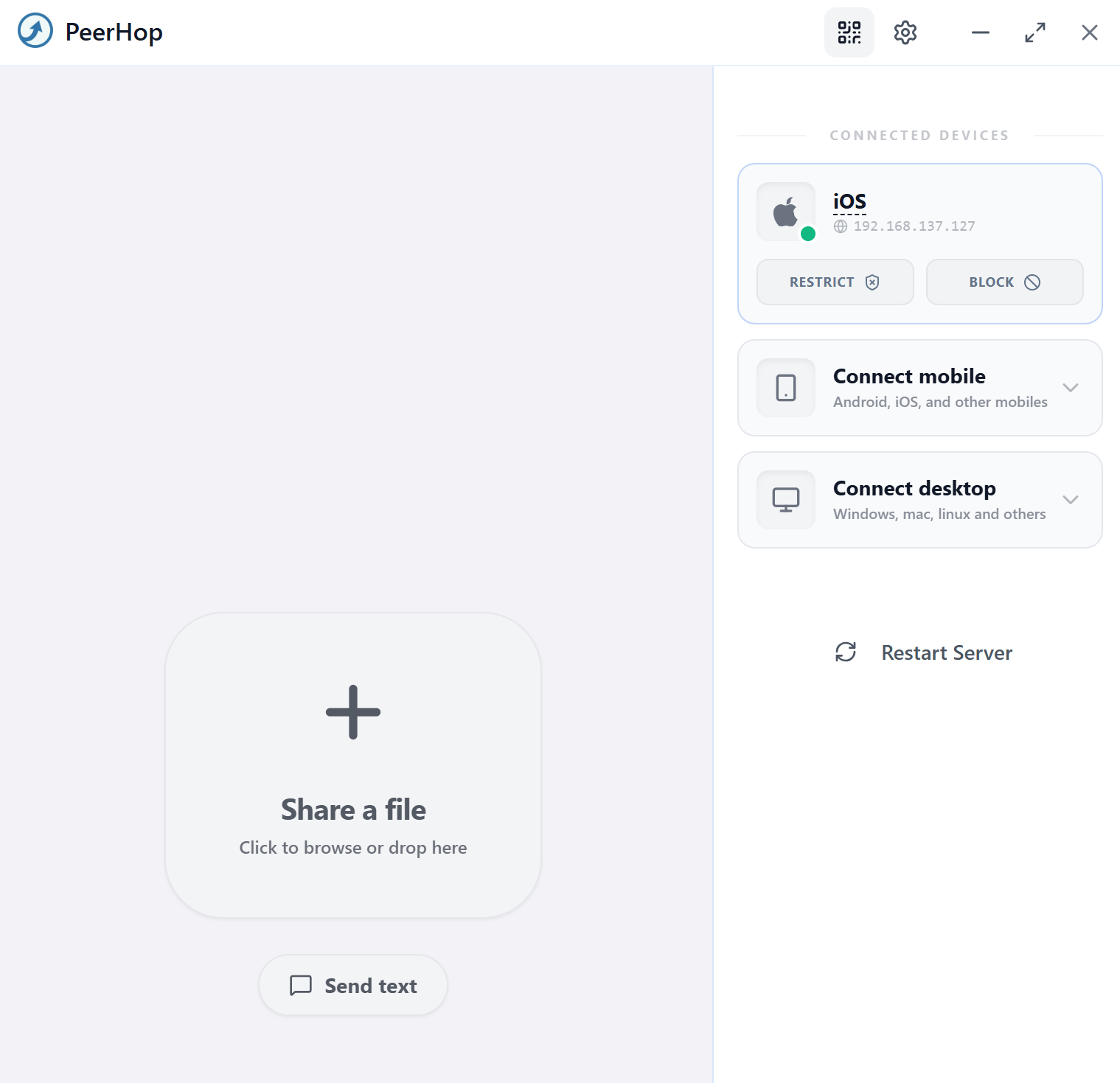
File transfer,
reimagined.
Share files between devices on your local network at full speed. No cloud. No internet. Just pure, direct transfer.
Why PeerHop
Built for speed.
Built for privacy.
Lightning Fast
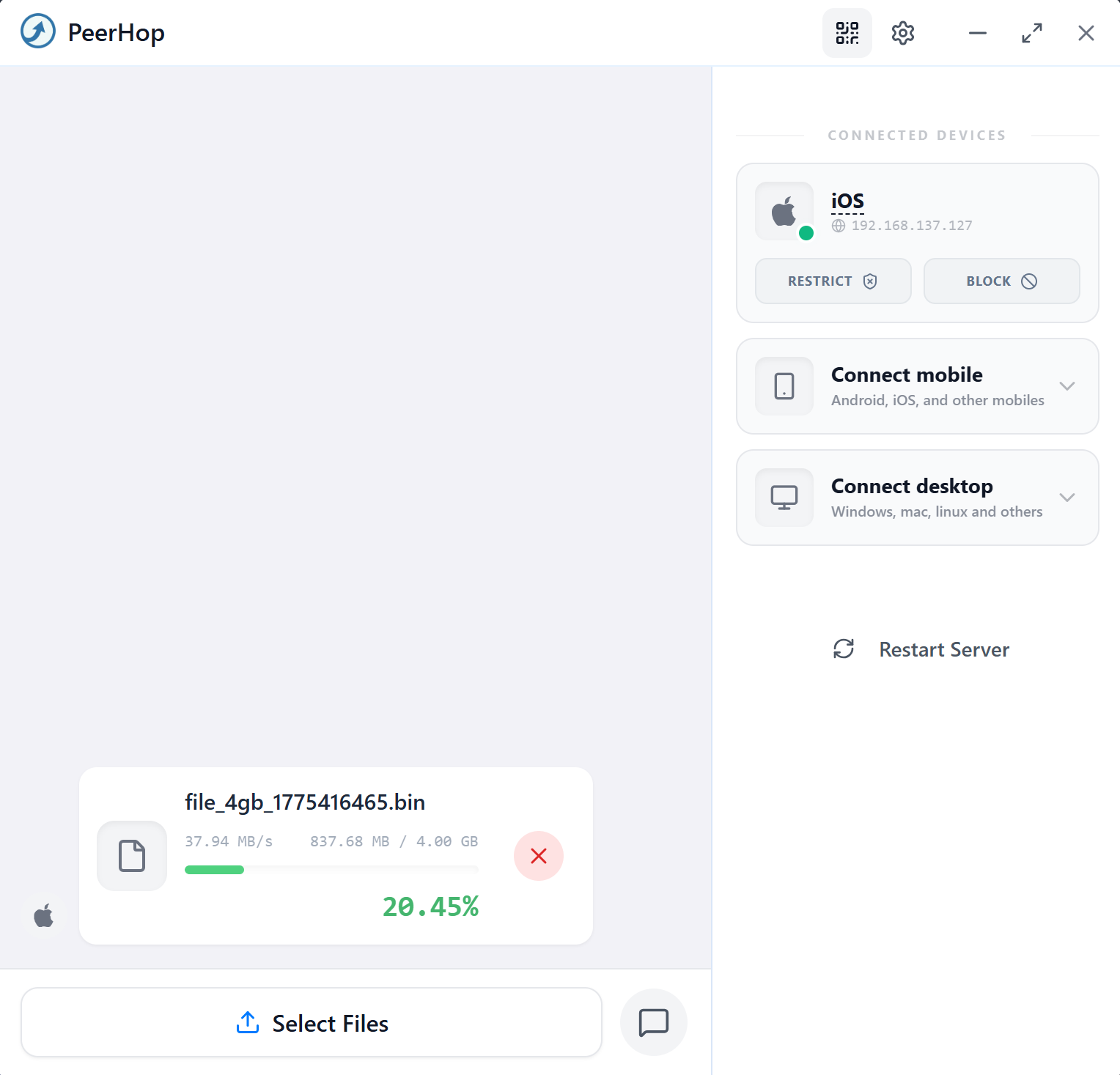
Full LAN speed. No upload caps, no cloud bottlenecks. Files move as fast as your network allows.
Offline First
Works on planes, ships, basements. Any local network works — no internet connection required.
Zero Cloud
Your files never touch a server. Pure peer-to-peer means complete privacy, by design.
Cross-Platform
Windows and Linux support out of the box. Share between any combination of devices seamlessly.
The technology
Engineered for
performance.
PeerHop is built with Go for blazing performance. A lightweight HTTP server streams files directly over your LAN — no encoding, no overhead.
Infinite compatibility
Windows to anything.
And back.
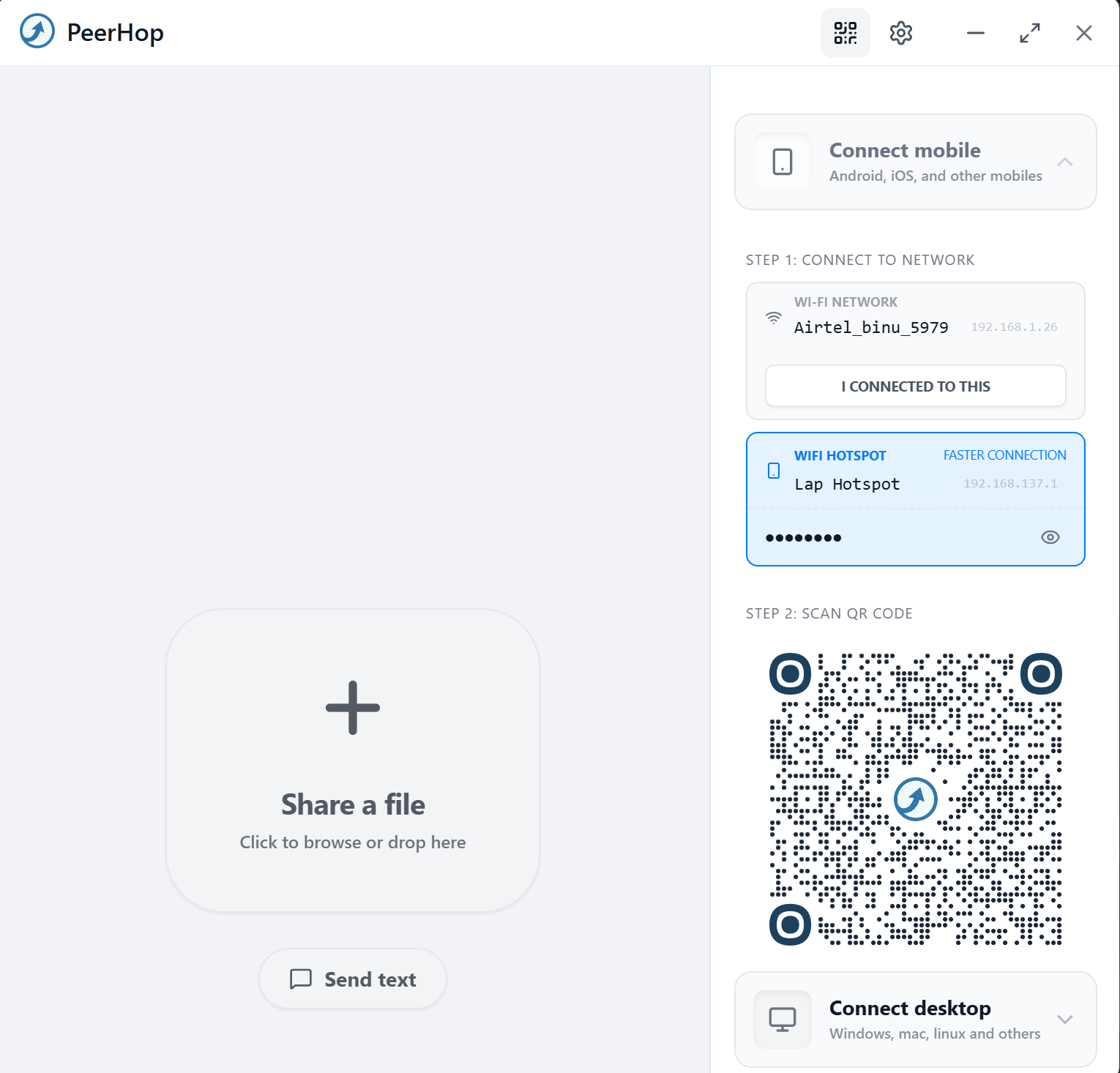
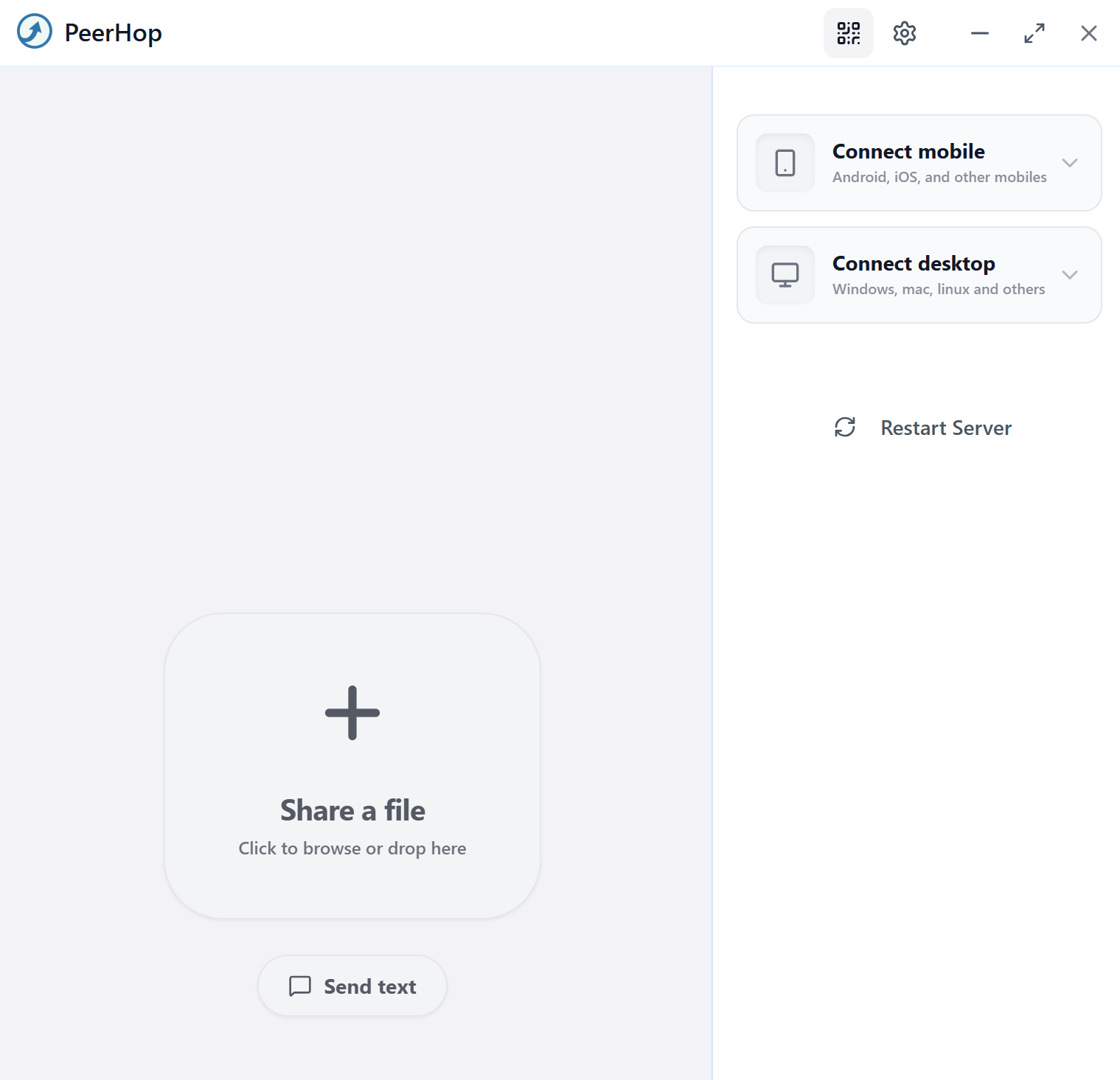
Share files between your Windows PC and any device with a modern web browser. No apps needed on the receiving side — just scan and transfer.
Getting started
Three steps.
That's it.
Open PeerHop
Launch the app on both devices connected to the same network.
Drag & Drop
Drop any file — any size — into the PeerHop window.
Receive
The file arrives instantly on the other device. Accept and save.
Community
Loved by users on Reddit.
Available now
Get PeerHop.
Free to download. Available on Microsoft Store. Start transferring files at the speed of your local network.